
Faster execution
Surface the right information at the moment of work.
Knowledge Assistants & Copilots
We build internal and customer-facing assistants that combine business knowledge, workflow guidance and controlled AI interaction to reduce search time and improve day-to-day execution.
Surface the right information at the moment of work.
Reduce repetitive internal and external support questions.
Assist users with the next action, not just an answer.
Tailor assistance to different users and permissions.
The business problem
Many teams do not simply need a search box. They need an assistant that can understand the question, bring back the right business context and help guide the next step inside a workflow.
What this service changes: it converts an unclear opportunity into a structured, reviewable path with clear decisions, owners and outputs.
What we do
Each capability addresses a specific decision, dependency or delivery need. Use them independently or combine them into one complete engagement.
Define how different users should interact with the assistant.
Connect the assistant to approved documents, records and help content.
Shape answers, summaries, instructions and structured outputs.
Integrate the copilot into web, mobile or internal business applications.
Surface related actions, templates or next-step recommendations.
Monitor adoption, unresolved questions and content gaps.
How the service comes together
The sequence creates visible decision points so your team knows what has been learned, what has been approved and what happens next.
What you receive
The engagement produces practical artefacts, not only discussion. Outputs are structured to support approval, implementation and handover.
Delivery approach
The exact timeline depends on scope, data and integrations. Every engagement is organised around evidence, review points and production readiness.
Understand goals, constraints and the current operating context.
Define the solution direction, priorities and success measures.
Produce and review the agreed working outputs with stakeholders.
Confirm handover, next-phase actions and production readiness.
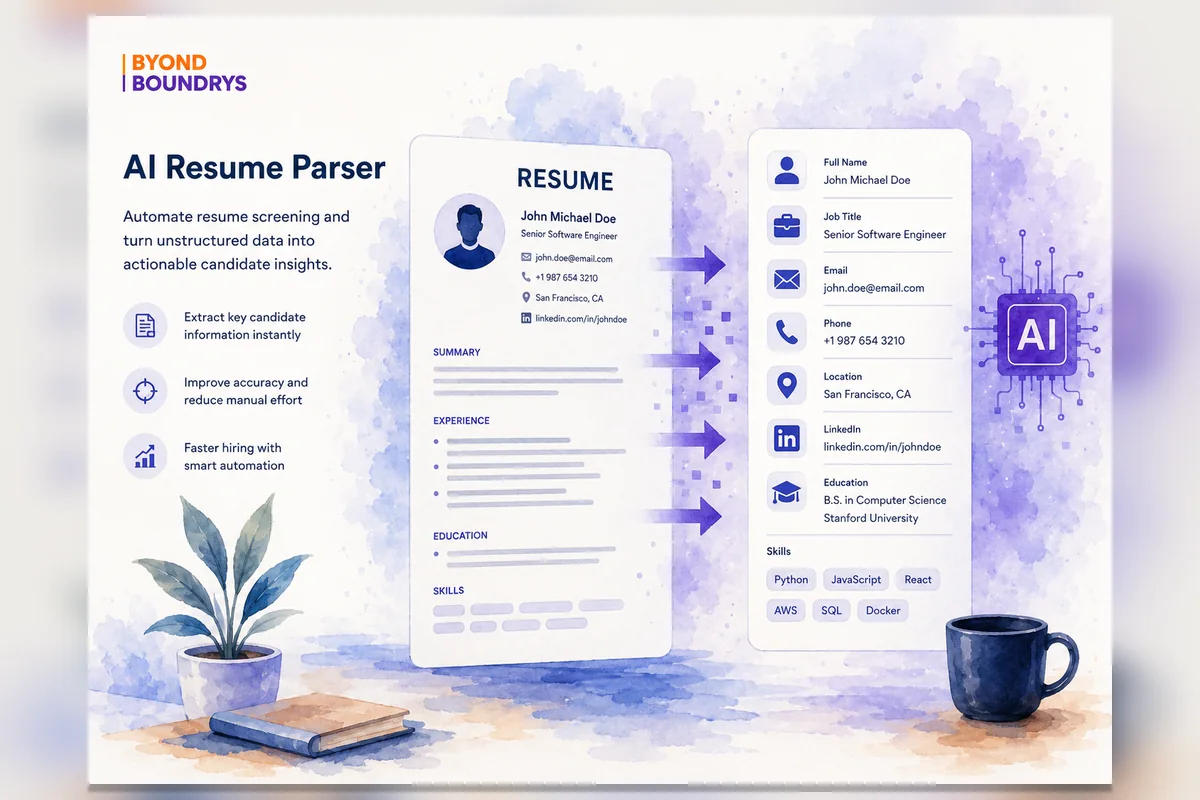
Related delivery evidence
Simplify Job Search was developed as a two-sided job search and hiring platform that supports both candidates and recruiters. This case study focuses on the recruitment-side platform, which helps HR teams, companies, freelancer recruiters,…
Read the case studySecurity and responsible operation
We adapt governance, review and operational controls to the service, workflow, users and level of risk involved.
Frequently asked questions
Every engagement is shaped around the workflow, data, security and operating environment involved.
A copilot is designed around a specific role or workflow. It does more than answer generic questions by helping users complete work with the right context.
Yes. We can embed copilots into internal tools, customer portals, SaaS products or support experiences.
Yes. We can design escalation paths, ticketing hooks or review steps.
We combine grounding, prompt design, evaluation and continuous monitoring of unanswered or low-confidence queries.
Start with the real requirement
We will help identify the most practical first phase and the capabilities required to deliver it well.
AI DISCOVERY ENGAGEMENT
One focused engagement to assess your business workflows, compare 5–7 candidate opportunities and recommend the first workflow worth funding.